
The Venice Film Festival panel on generative filmmaking made one thing plain this September: AI has moved out of the pitch deck and into real productions, and that shift starts at the script. Studios that were skeptical a year ago now expect writers to arrive with tools that can outline, draft, and reformat pages without breaking the rhythm of a working day. That is a big ask of a category that used to mean Final Draft and a spiral notebook.
We tested seven of the best apps for AI screenplay writing on Windows and macOS over six weeks. Every tool got the same trial: a cold-open, a table read scene, and a revision pass. We ranked them on four things that actually matter to a working writer: story sense inside the AI, adherence to the industry-standard screenplay format, WGA-compliant export, and how easily a co-writer or producer can pick it up.
What to look for in an AI screenplay app
Not every AI writing tool respects a screenplay’s rules. Five criteria separated the tools we would use again from the ones we would not:
- Industry-standard formatting export. FDX and PDF with proper scene headings, action, character, parenthetical, and dialogue elements. Studios reject anything less.
- Revision tracking. Colored revision pages, locked scenes, and A-page numbering. If the tool cannot do this, it cannot survive production.
- Collaborator handoff. A producer needs to open your file in Final Draft or WriterDuet without a conversion tour.
- Model quality for character voice. The AI has to hold two characters apart across a scene. Most cannot.
- Cost model. Per-word credits burn fast during a rewrite. A flat subscription usually wins for a working writer.
Quick comparison
| App | Best for | Platforms | Free plan | Starting price | Rating |
|---|---|---|---|---|---|
| Sudowrite | Prose-first drafters using AI as a co-writer | Web (Win, Mac) | Free trial credits | $10/mo annual | 4.6 |
| Final Draft | Selling to studios | Windows, macOS | No | $199.99 one-time | 4.5 |
| Novelcrafter | Longform world-builders with their own AI keys | Web (Win, Mac) | 21-day trial | $4/mo | 4.5 |
| Squibler | Generating a first draft from a short prompt | Web (Win, Mac) | Limited free tier | $16/mo | 4.3 |
| WriterDuet | Real-time writers’ rooms | Windows, macOS, Web | 3 scripts free | $9.99/mo | 4.6 |
| Fade In | Pay-once desktop screenwriting | Windows, macOS, Linux | No | $79.95 one-time | 4.7 |
| Rytr | Loglines, synopses, and coverage bursts | Web (Win, Mac) | 10K chars/mo | $9/mo | 4.4 |
The apps
#1. Sudowrite — Best for prose-first drafters using AI as a co-writer
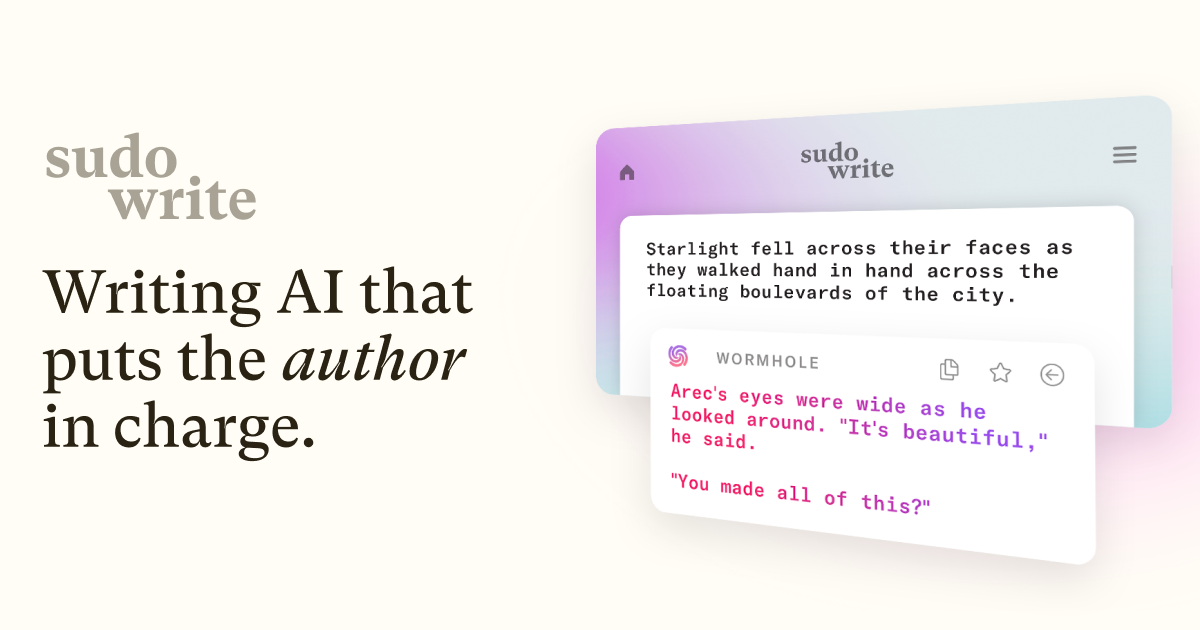
Sudowrite is built for fiction, and its screenplay mode inherits the same story-aware muscle. The Describe, Rewrite, and Expand commands are genuinely useful in an action block, and Brainstorm is the closest thing we tested to a room-writer bouncing beats at 2 a.m. Character voice held across ten pages more reliably than any other model in the test.
Where it falls short: Formatting for FDX export is competent but not industry-first, and there is no native revision-color workflow. Serious production writers still finish in Final Draft or Fade In.
Pricing:
- Free: trial credits, roughly 10,000, no credit card
- Paid: Hobby & Student $10/mo annual (or $19/mo monthly), Professional $22/mo annual, Max $44/mo annual
Platforms: Windows, macOS, Web
Download: Publisher site at https://www.sudowrite.com
Bottom line: The best AI in the category if you want the machine to help you write, not just format what you already wrote.
#2. Final Draft — Best for selling to studios
Final Draft 13 added AI features that behave the way a paid reader would: a structural analysis pass, margin notes, coverage on demand, and table reads with AI voices. Crucially, it never tries to write the script for you. That is a feature, not a limit, if your buyers expect the FDX file to arrive clean.
Where it falls short: The AI is analytical, not generative. If you want a co-writer that drafts new pages, look elsewhere. The one-time price is also steep next to the subscription tools.
Pricing:
- Free: no free tier
- Paid: $199.99 one-time (list $249.99), $79.99 upgrade, $99.99 education. Cloud and mobile apps are separate purchases.
Platforms: Windows, macOS
Download: Publisher site at https://www.finaldraft.com
Bottom line: The industry standard, now with AI that respects the writer’s authorship. Buy it if a studio will open your file.
#3. Novelcrafter — Best for longform world-builders with their own AI keys
Novelcrafter is a novel tool that screenwriters have quietly adopted for miniseries bibles and multi-episode arcs. The Codex, its wiki for characters, places, and lore, is the standout: reference a character in a scene and the AI actually knows who that is. Every AI feature is bring-your-own-key, so you plug in OpenAI, Anthropic, or a local model and pay usage directly.
Where it falls short: No native FDX export. You will finish and export elsewhere. The BYOK model can add $15 to $30 a month in API spend on top of the subscription during a heavy drafting month.
Pricing:
- Free: 21-day trial, full features
- Paid: Scribe $4/mo, Hobbyist $8/mo, Artisan $14/mo, Specialist $20/mo. Two months free on annual.
Platforms: Windows, macOS, Web
Download: Publisher site at https://www.novelcrafter.com
Bottom line: The right tool for a limited series bible or a spec pilot that lives inside a bigger universe.
#4. Squibler — Best for generating a first draft from a short prompt
Squibler’s Smart Writer will take a one-paragraph pitch and hand back a rough first act. That sounds like a party trick, and it partly is, but the output is a useful skeleton that you cut hard and rewrite. The corkboard planner and chapter tools carry the project forward once the AI has done its early lifting.
Where it falls short: The generated pages need heavy revision, and Squibler’s screenplay formatting is looser than Final Draft or WriterDuet. Treat the output as raw clay.
Pricing:
- Free: limited tier
- Paid: Plus $16/mo (list $29), Pro $49/mo (list $89)
Platforms: Windows, macOS, Web
Download: Publisher site at https://www.squibler.io
Bottom line: The fastest way from a logline to something you can rewrite into a real script.
#5. WriterDuet — Best for real-time writers’ rooms
WriterDuet is what a writers’ room reaches for when two or three writers need to be inside the same scene at the same time. Multi-cursor co-writing works, revision tracking is legitimate, and the offline desktop app on Windows and macOS keeps you working when the hotel Wi-Fi drops. The AI features are lighter than Sudowrite’s but they cover brainstorming and rewrites cleanly.
Where it falls short: The free tier caps at three scripts, which is fine to try but tight for a working writer. The AI is helpful, not headline.
Pricing:
- Free: 3 scripts, no time limit
- Paid: Plus $9.99/mo, Pro $11.99/mo (or $89/yr), Premium $13.99/mo. 50% off for students and educators.
Platforms: Windows, macOS, Web
Download: Publisher site at https://www.writerduet.com
Bottom line: The only tool we would trust for live, two-writer co-drafting on a deadline.
#6. Fade In — Best for pay-once desktop screenwriting
Fade In is the anti-subscription. One purchase, three desktop platforms, industry-standard formatting, real revision colors, and PDF or FDX export a reader will accept. It has no built-in AI, so you pair it with a separate assistant of your choice for the drafting help. That split works better than expected.
Where it falls short: No AI inside the app. If you want an integrated co-writer, you will bounce text between Fade In and a browser tab.
Pricing:
- Free: no free tier
- Paid: $79.95 one-time (student $59.95). Optional Fade In Access cloud service $9.95/mo or $99.95/yr.
Platforms: Windows, macOS, Linux
Download: Publisher site at https://www.fadeinpro.com
Bottom line: The cheapest serious screenwriting license in the market, and the best home for a writer who wants their AI in a separate window.
#7. Rytr — Best for loglines, synopses, and coverage bursts
Rytr is not a screenwriting app, and we would not draft a script in it. It earned its place here for the pre-production and post-production surface: taglines, loglines, one-page synopses, character bios, and pitch coverage. The free tier covers roughly 1,500 words a month, which is enough to feel out whether the tool clicks.
Where it falls short: No screenplay formatting, no revision workflow, no scene-aware AI. It is a general-purpose writing tool that happens to be cheap.
Pricing:
- Free: 10,000 characters/mo, no credit card
- Paid: Unlimited $9/mo (or $7.50/mo annual), Premium $29/mo (or $24.16/mo annual)
Platforms: Windows, macOS, Web
Download: Publisher site at https://rytr.me
Bottom line: Cheap muscle for the writing that surrounds the script, not the script itself.
How to pick the right one
If you sell to studios, Final Draft is still the file the buyer wants to open. Buy it once and pair it with a lighter AI tool for the drafting.
If you draft in long form and need a story-aware AI, Sudowrite is the strongest co-writer in the test. Finish the script in Final Draft or Fade In for the format.
If you run a limited-series bible with dozens of characters and locations, Novelcrafter’s Codex is worth the BYOK setup. Export to Fountain and clean up in a formatter.
If you want to prompt a first draft into existence and rewrite from there, Squibler is the fastest path from logline to raw pages.
If you write in a room, WriterDuet is the only tool we would trust for live co-writing on a Zoom call.
If you never want to pay a subscription again, Fade In is the pay-once desktop app that behaves like the industry-standard tool for a fraction of the price. Bring your own AI in a separate window.
If you mostly need help with loglines, coverage, and synopses, Rytr is the cheap general-purpose tool that will not overreach into the script itself.
FAQ
Can AI actually write a good screenplay?
Not on its own, no. The tools that came closest in our test, Sudowrite and Squibler, produced pages that a writer had to rewrite heavily. AI is a useful drafting partner and a fast brainstormer. It is not a replacement for the writer’s judgment about what a character would say.
Is Final Draft still the industry standard in 2026?
Yes. FDX remains the file most studios, agents, and production companies expect. Final Draft 13 added AI analysis and table reads, and it still refuses to write pages for you, which most working screenwriters view as a feature.
What is the cheapest AI screenplay app that studios will accept?
Fade In at $79.95 one-time exports clean FDX and PDF with correct formatting and revision colors. Pair it with a separate AI tool of your choice for the drafting help.
Do AI screenplay tools work offline on Windows and macOS?
Fade In, Final Draft, and WriterDuet all run offline as native desktop apps. Sudowrite, Novelcrafter, Squibler, and Rytr are web-based and need a connection for the AI features to work.
Is my script data safe with AI writing tools?
Read each tool’s data policy before you paste a script that is under NDA. Novelcrafter’s bring-your-own-key model gives you the most control because you own the API relationship. Sudowrite, Squibler, and Rytr all publish terms that address training use, but the safest option for a locked project is a local model plugged into a BYOK tool.
Which app is best for a writer just starting out?
WriterDuet’s free tier covers three full scripts with no time limit, which is more than enough to finish a spec pilot and a feature before deciding whether to pay. Fade In is the next step up if you want to own your tool outright.

